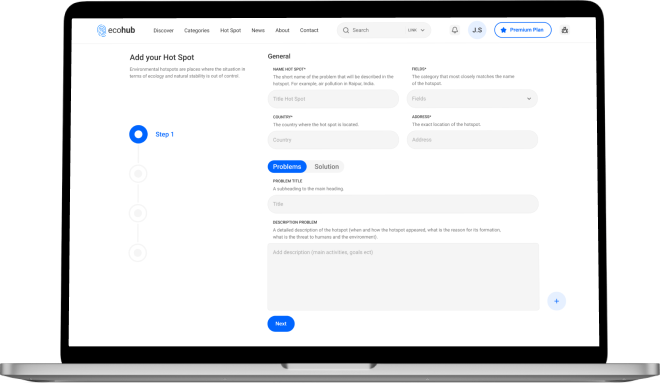
New to the platform and unsure where to begin?
How to create a company page on EcoHubMap?
Log in or create an account.
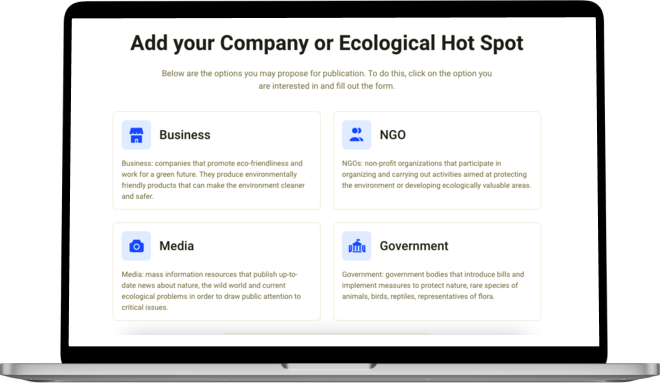
Hit the "Create company page" button and choose the type of organization you want to add. After clicking on one of the options, you will be redirected to the page where you can fill in the form with your organization information.
We recommend filling in all the fields to make your company page as complete and interesting as possible for users.
After filling out the application, click the "Send" button. If the information is entered correctly, the application will be sent for processing. If any of the fields were entered incorrectly, the system will inform you.
After sending, your request will be processed within several hours.
If moderation is successful, your company will be added to the catalog. You will receive an email notification if your company page is created or requires additional information.
How to edit a company page?
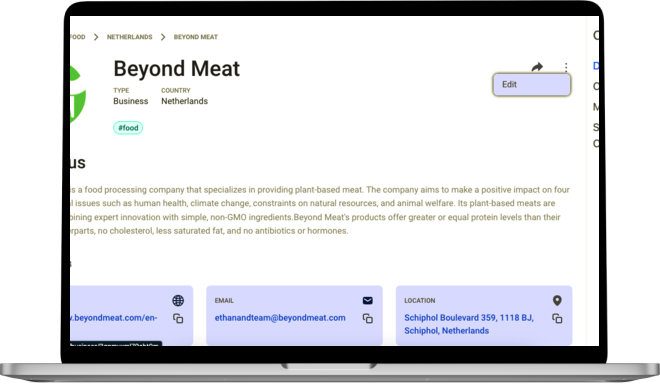
If you find a mistake in your company`s description, you can correct it by clicking on the "Edit" button.
Find the data that were specified incorrectly and make the appropriate corrections. After that, press the button "Send".
Your request will be processed within a few hours of sending it. If the moderation is successful, the changes will be saved and displayed on the company page.
What is an environmental hotspot?
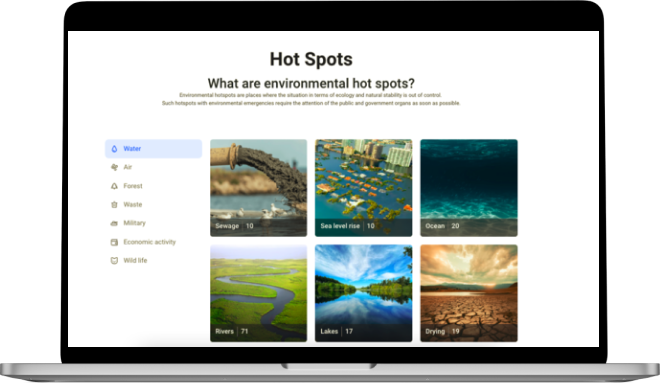
Environmental hotspots are places where the situation in terms of ecology and natural stability is out of control.
Such hotspots with environmental emergencies require the attention of the public and government organs as soon as possible.
Can I report a hotspot?
Yes, you can report a hotspot.
You can add your information and submit it.
Once the request is processed, we will post the hotspot.