How industrial facilities build an audit-ready ehs program
August 24, 2026
Industrial facilities operate under routine safety audits meant to confirm that hazard controls, equipment, and procedures still meet regulatory and internal standards. Most facilities pass their audits on their actual safety work and fail them on the paperwork
The inspections happened, the repairs were made, but when an auditor asks for the record, nobody can produce it fast enough. Audits rarely arrive at a convenient moment, since a complaint, an injury, or a referral can bring an inspector to the gate without warning. A program that assembles evidence after the fact has already failed the audit.
An audit-ready EHS program is one where every required inspection is scheduled, performed to the same standard at every site, documented with evidence, and closed out on request. Getting there depends on six habits.
1. Know what audit-ready actually means
Being audit-ready means producing the record an auditor asks for as soon as they arrive, without delays.
An auditor asks for the last three months of eyewash checks; pulling them up on the spot ends it there. Offer to email them instead, and the auditor learns the program runs on memory, which is when the real scrutiny begins.
Documentation gaps are where the most common citations live. Hazard Communication (29 CFR 1910.1200) was the second most frequently cited OSHA standard in fiscal year 2025, and the most frequently cited standard in general industry.
An unusually dangerous chemical accounts for comparatively few of those citations; more often it is a written program that was never finished, a label degraded past legibility, or a safety data sheet that could not be produced on request.
For 2026, a serious violation carries a maximum penalty of $16,550, and a willful or repeated violation carries a maximum penalty of $165,514.
Key Insight: Auditors grade whether your program produces evidence on demand.
2. Put every recurring inspection on one schedule
An audit-ready program starts with a single schedule listing every recurring inspection the site owes, with a named owner on each line. Once that list exists, a real problem usually surfaces: most facilities already run more inspections than they can name.
Fire extinguishers, eyewash stations, forklifts: each lives in a different head and a different calendar, so nobody can say with confidence what has lapsed.
What gets checked
Typical frequency
Who owns it
Fire extinguishers
Monthly visual, annual service
Maintenance
Plumbed eyewash and safety showers
Weekly activation
Area supervisor
Powered industrial trucks
Daily, or after each shift if round-the-clock
Operator
Spill kits and secondary containment
Monthly
EHS coordinator
Machine guarding
Quarterly
Maintenance
Full internal EHS audit
Annually, per site
EHS lead
Those intervals come from different places: fire extinguisher checks are set by 29 CFR 1910.157(e), truck examinations by 1910.178(q)(7), and eyewash activation by ANSI/ISEA Z358.1, a consensus standard OSHA has not adopted. OSHA cites that hazard under its own rule at 1910.151(c), which sets no interval at all.
Confirm each interval against whichever standard applies rather than copying a table, since an inspection nobody owns gets skipped in a busy week. Using modern EHS software to set digital reminders helps make sure no one forgets who's responsible for an inspection.
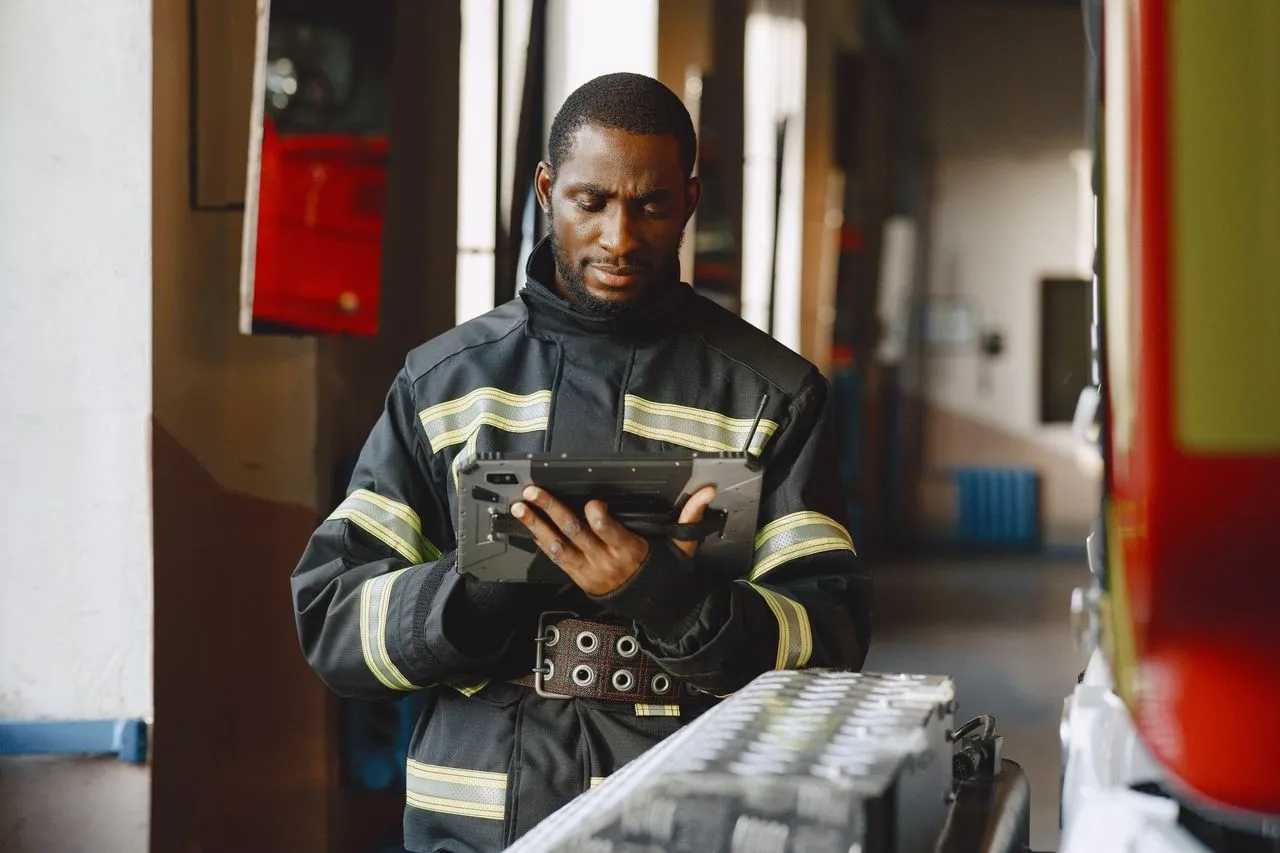
(Credit: Gustavo Fring via Pexels)
3. Use the same checklist at every site
Every site should inspect the same equipment against the same checklist, drawn from one master version nobody can edit locally.
The moment two plants inspect identical equipment on two different forms, nobody can compare the results, and combining inspection data from every site becomes an exercise in reconciling formats instead of finding trends.
A workable checklist line has four parts:
A specific question with a yes or no answer, such as "Are all rotating parts guarded, and are the guards secured?"
The originating standard, so nobody argues why it is on the list.
A place to attach a photo.
A pass, fail, or not-applicable result, with a comment box that opens on a fail.
OSHA already expects this kind of specificity in its own standards: the lockout/tagout rule requires a certification naming the machine, the date, the employees included, and the person who performed the inspection (29 CFR 1910.147(c)(6)(ii)). A checklist line built the same way holds up under an audit.
What actually makes the standard hold, though, is moving the checklist onto digital inspections. Paper drifts because anyone can print last year's version, and a superseded form ends up looking identical to a current one on a clipboard.
Purpose-built EHS audit and inspection software keeps one authoritative version of each form in front of every site, refuses blank required fields, and takes the timestamp from the device instead of somebody's memory at shift's end.
Pro Tip: Pilot the new checklist at one site for a month before rolling it out everywhere, since the people doing the walk will spot unclear questions faster than any review meeting.
4. Capture the proof while you are standing there
The weakest link in most programs is the gap between spotting a deficiency and recording it, so evidence belongs on the record at the point of inspection, with a photograph attached to the checklist line it came from.
An inspector notices three deficiencies during a walkthrough but only documents them two hours later at a desk; details fade in that gap, and one of the three routinely disappears altogether.
An image of a deformed pallet rack upright, captured at the rack with date and location attached, carries more evidentiary weight than a paragraph describing it. Useful evidence has four parts:
The image: wide enough to establish the surrounding area, close enough to resolve the defect.
The timestamp: generated by the device, not entered retrospectively.
The location: building, line, or asset tag, so the same item can be tracked over time.
The finding: what failed, in one sentence, tied to the checklist line.
Requiring a photo before any finding can close is what keeps evidence-gathering from becoming optional. A photograph of the completed repair demonstrates that remediation occurred, on a documented date, before the abatement deadline: the same kind of proof OSHA's own abatement rule (29 CFR 1903.19(d)) already accepts.
5. Turn every failed item into a tracked CAPA
Once a checklist line fails, it should become a tracked CAPA carrying an owner, a due date, and a verification step. Left in a comment box instead, that same line is documentary evidence of a hazard identified and left unaddressed.
CAPA stands for corrective and preventive action: the corrective element remedies the condition in front of you, while the preventive element addresses whatever circumstance allowed it to arise, and both belong on the same record.
Every finding should carry:
A named individual as owner.
A committed due date.
The corrective action, specified as a completable task.
A root cause, even a brief one.
Verification with evidence, plus an effectiveness check, signed off by someone other than the original worker.
The deadline is not a soft target: a failure-to-abate violation costs up to $16,550 per day the condition stays uncorrected past the abatement date. Also, OSHA policy normally caps the total at 30 times that daily figure; roughly $496,500. A finding logged and then abandoned is the most expensive category of all. Keeping every open CAPA visible until it resolves prevents that outcome.
Recording a fix is not the same as preventing the next one: three machines missing the same guard need three guards as the fix, while the preventive step is finding out why guarding comes off when a machine is set up for a new job and never goes back on.
6. Keep calibrated safety gear inside the same cycle
Gas detectors, sound level meters, air sampling pumps, and torque tools share an awkward property: they look fine when they are wrong. That is exactly why calibrated instruments belong inside the same inspection cycle as every other piece of safety equipment.
A four-gas monitor whose sensors have drifted, for instance, reads normal right up until an emergency or an audit happens.
OSHA's bulletin on portable gas monitors cites the ISEA position that a bump test, a brief check confirming sensors and alarms respond, should happen before each day's use. The same bulletin recommends retaining calibration records for the life of each instrument, since that history exposes sensor drift.
Those are exactly the records that go missing: the certificate sits in somebody's email, while the bump test log is a clipboard in the gas cage.
Tag each instrument as an inspected asset, attach its calibration certificate to the record, and schedule the next due date, so a connected system can surface it as overdue alongside the fire extinguishers without anyone needing to check manually. A reading from equipment with no proof of calibration is hard to defend.
Pro Tip: Lock out an overdue instrument the way you would lock out a machine. If the system flags a detector as past due, it should not leave the cabinet.
Closing thoughts
An audit-ready EHS program comes down to four things done reliably: a schedule nobody argues with, one checklist per task across every site, evidence captured at the point of inspection, and findings closed out with proof. EHS software keeps those four things running together, instead of letting them drift into four separate habits nobody has time to maintain by hand.
With that list built, spend an afternoon documenting every recurring inspection your site owes, its frequency, and its owner, and you will likely find two or three that have quietly stopped happening.
Fixing those and standardizing the form is the first step. Implementing EHS management software is the second. Using one strengthens your timely access to audit reports, keeping them current and at your fingertips.
Do you have suggestions for this article? Would you like to propose a guest post?
Get listed in the eco directoryGet your company listed on EcoHubMap and expand your reach in the global green economy. Who can be listed?Add an organization